
The first page you see after you log in is the Home page of the service desk you have chosen.
On this page, you can log issues, raise service requests, browse the knowledge base for solutions, keep track of your requests, and access company-wide announcements.
This page also lists the assets that are specifically assigned to you.
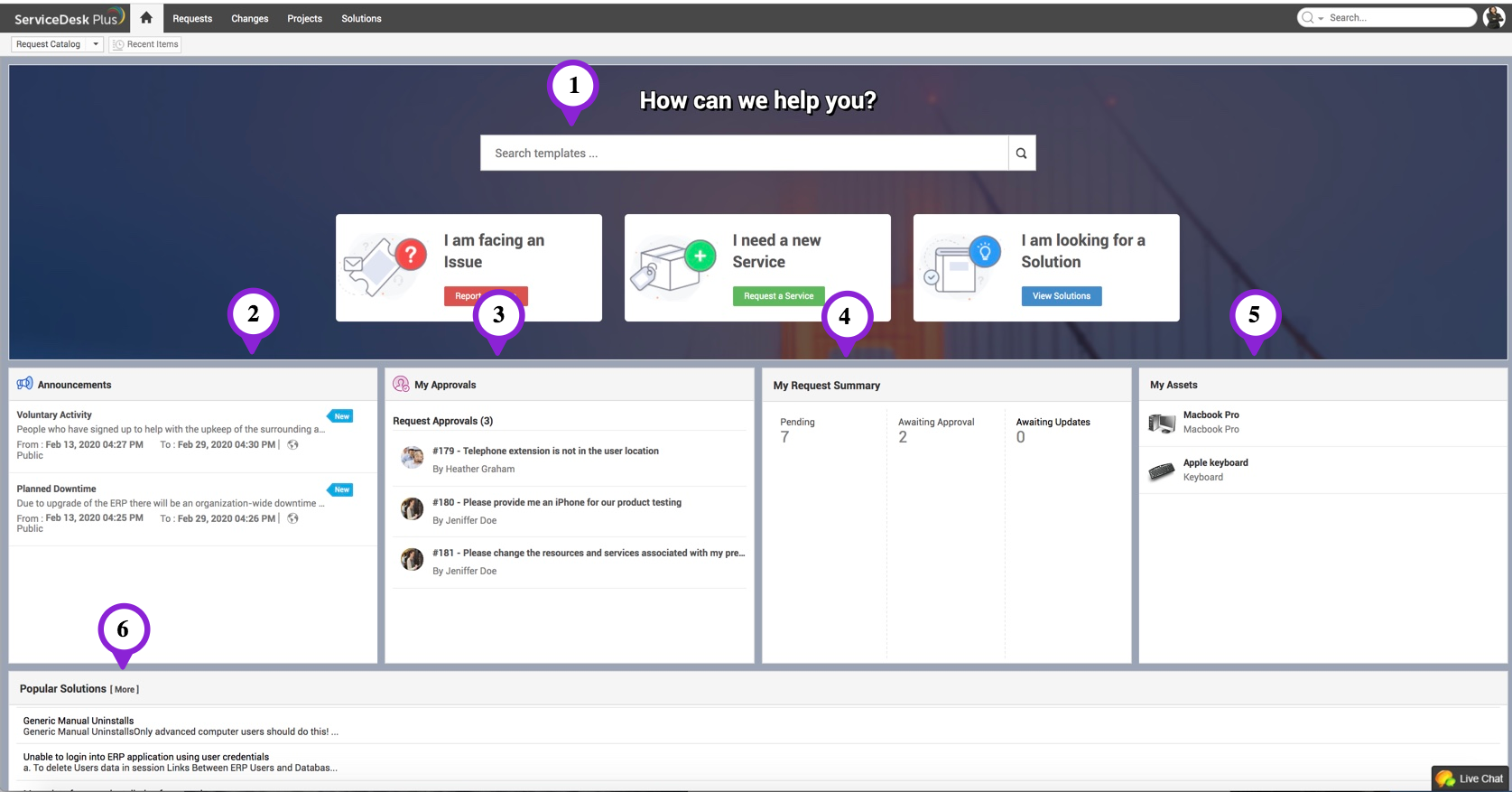
Depending on how your administrator has configured the self-service portal and your role-specific permissions, you may have access to some or all of the following widgets: