
The help tour helps you understand the various features of the application. It is offered as a collection of steps, and each step contains multi-media content.
It will be shown when you log into the application for the first time or if new content is published by your admin.
Use the arrows to browse through the steps in the tour.
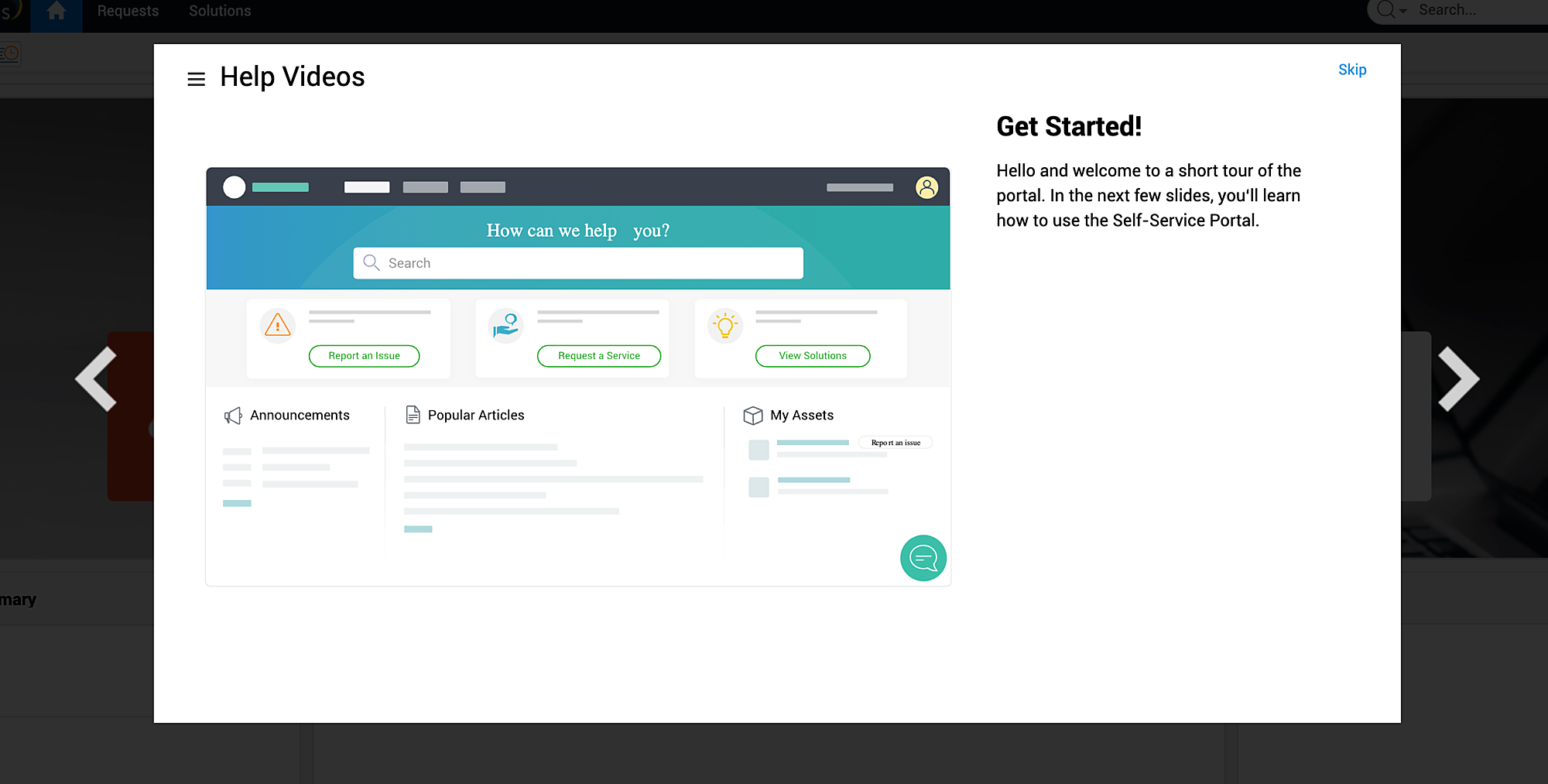
Alternatively, you can go to the preferred step by clicking  on the tour dialog box
and selecting the preferred step on the left pane.
You can click Skip in any step ( or finish the last step) to close the tour.
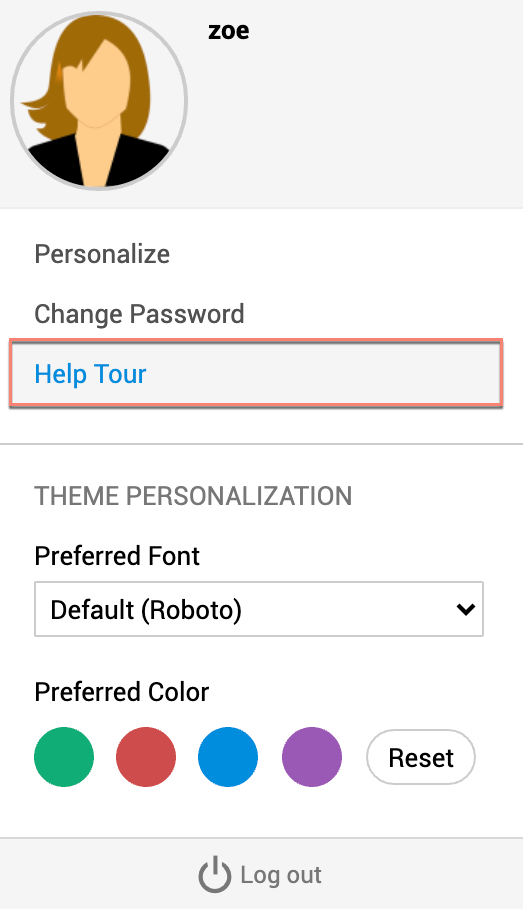
You can access the tour from the Profile Settings user panel if enabled by your admin. The tour will resume from the step where you left off.
Please contact your admin if the help tour is not available in your language.