Reopen and Close Requests
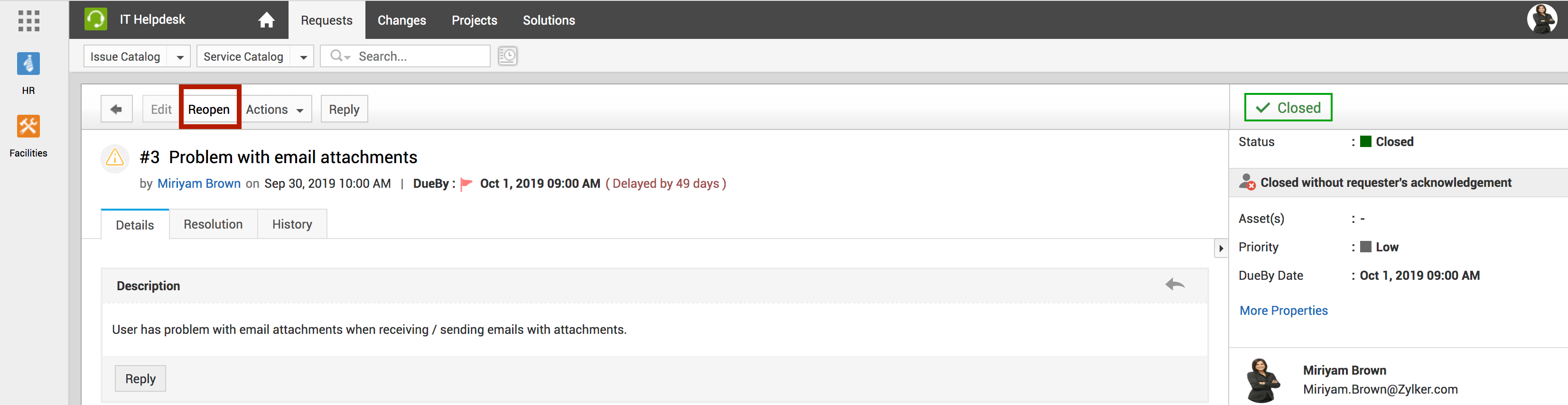
If an issue is not resolved correctly, or if the issue persists even after the request is closed, you can reopen the request, as shown below:
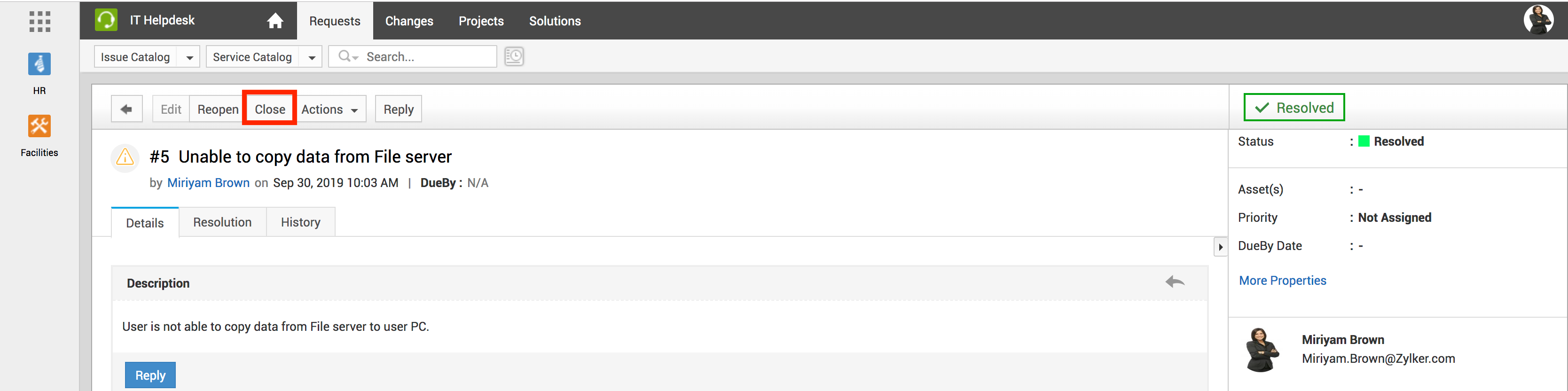
You can reopen and close all your resolved requests, as shown below:
 ToolkitServiceDesk Plus
ServiceDesk Plus · User Guide
Reopen and Close Requests
If an issue is not resolved correctly, or if the issue persists even after the request is closed, you can reopen the request, as shown below:
You can reopen and close all your resolved requests, as shown below: