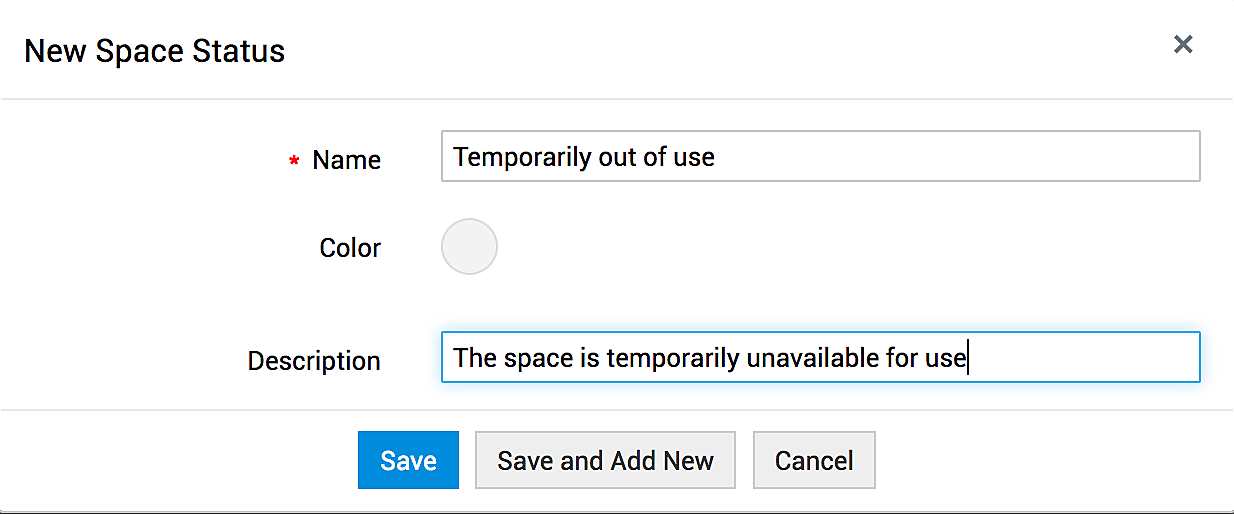
Here, you can create custom statuses for the spaces. The statuses created here will be available for selection while adding or editing a space. By default, there are 5 statuses.
To create a new space status,
- Go to Admin > Customization > Space Management > Space Status. If you are using the old UI, go to Admin > Space Management > Space Status.
- Click +New in the header menu.
- Enter a name and choose a color for the status.
- Enter a description about the status and click Save.