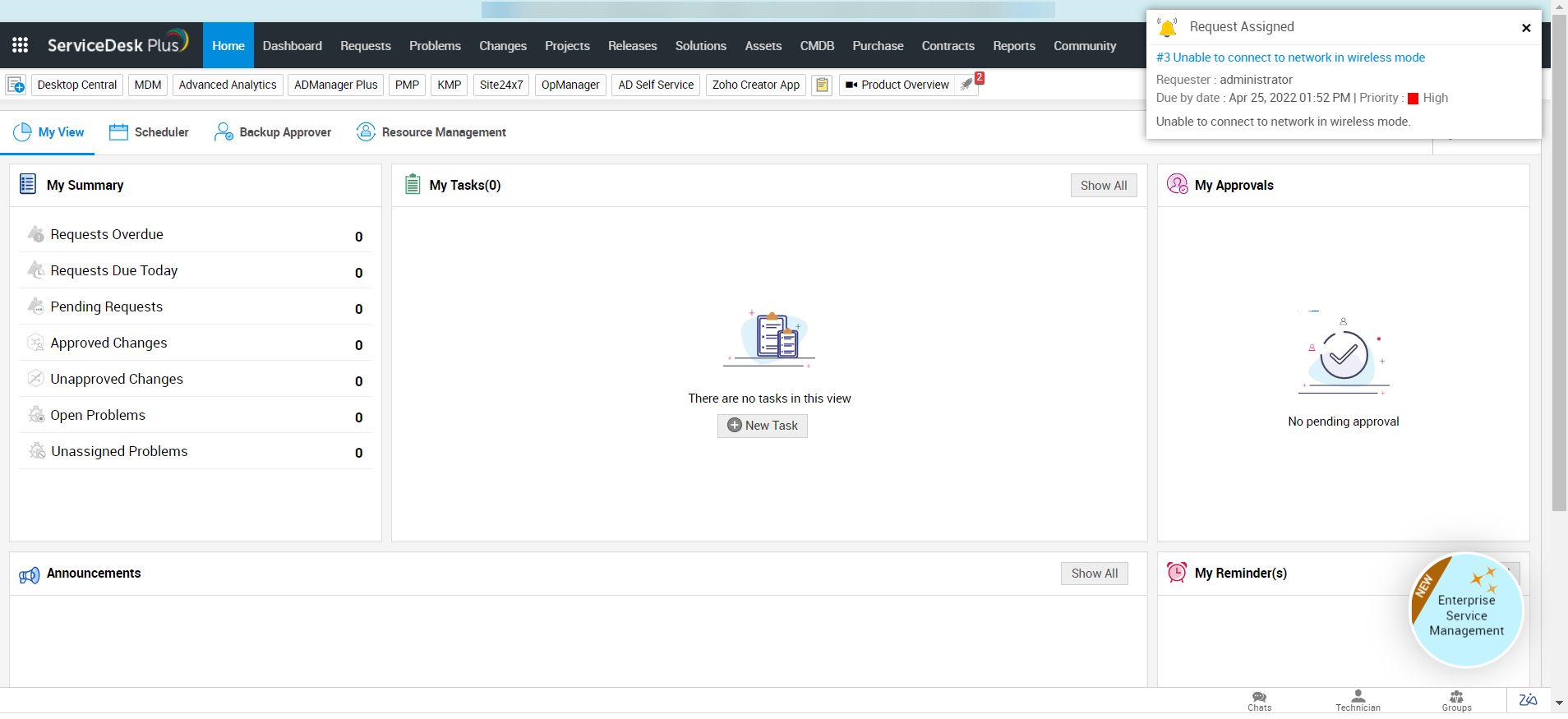
In-app notifications alert technicians about events that happen in requests assigned to them while they are using the application. The notifications pop up on the top-right for 30 seconds.
A notification is sent to the technician when a/an:
- Request is assigned to them.
- Note is added to the assigned request.
- Request approval is raised.
- Approval action (approve/reject) is performed on the assigned request.
After closing the in-app notification pop-up, you can view the notification by clicking the bell icon  in the header pane.