
Individual Device Scan
If a new device is added to your network, and you wish to scan only the newly added devices instead of the entire network, you can specify the device credentials and scan.
To scan Devices Individually,
- Go to the Assets module and select a device and click New Scan.
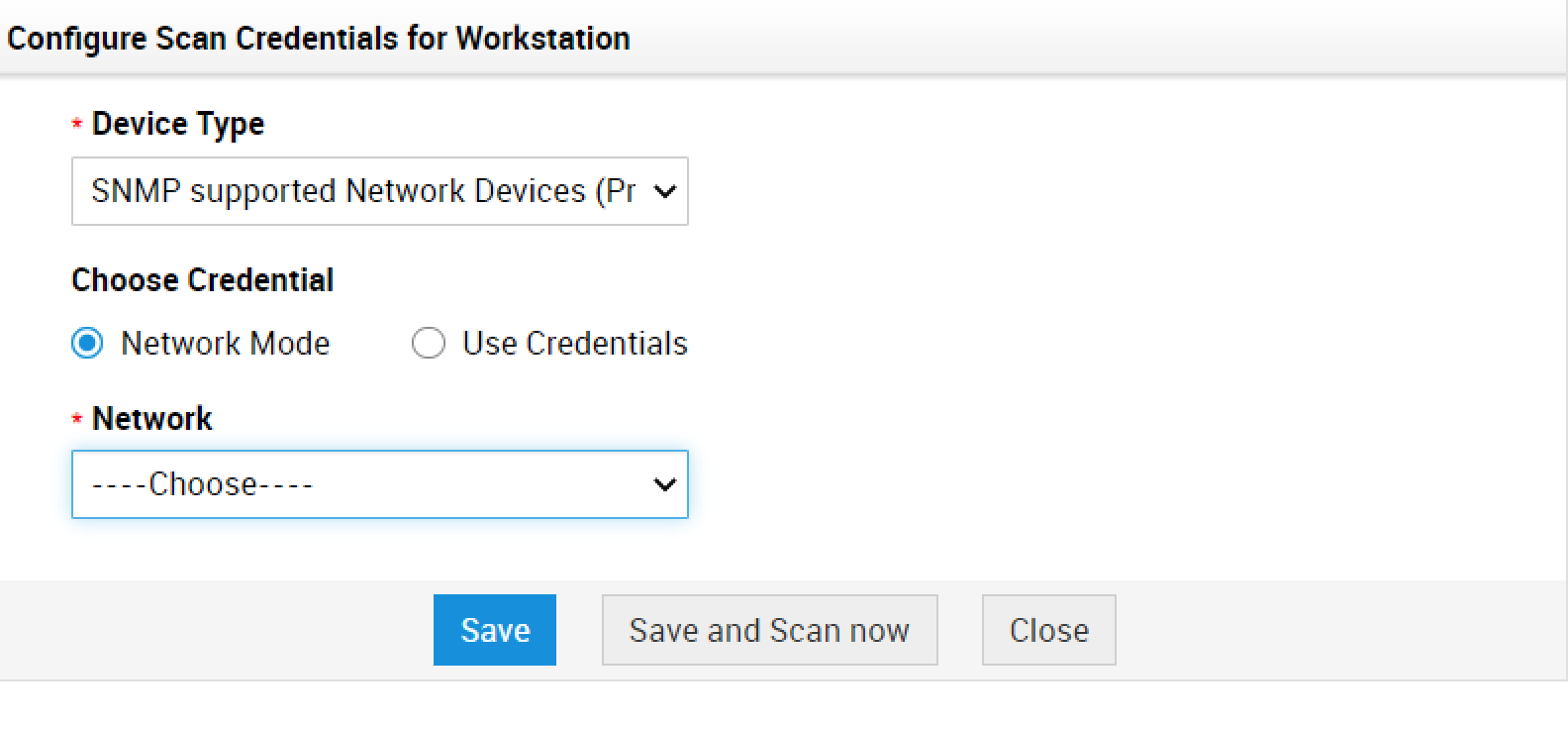
- Specify Device Name and IP Address.
- Choose Network mode or select Use Credentials.
Note: Agent scan is mandatory for scanning workstations. Refer to this link for more details.