A child request is a dependent request that is linked to a parent request. When a request involves multiple activities, you can create child requests to manage each activity separately. You can create a child request directly from the request details page or through workflows by using User-Defined Action.
Role Required
-
Parent instance: Technicians with Add/Edit Request permission.
-
Child instance: Technicians with Add Request permission.
Associate Child Requests
-
Go to the request details page.
-
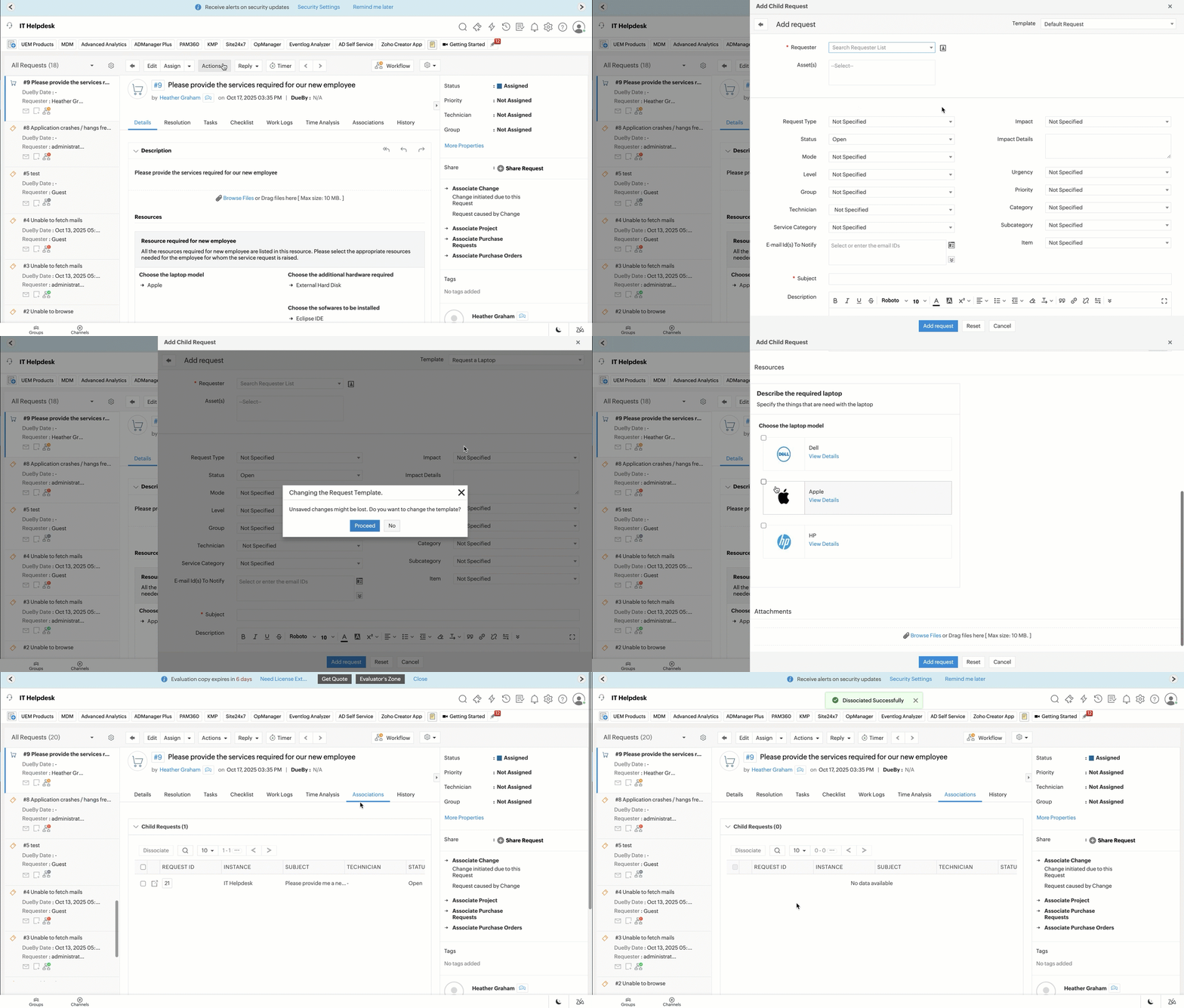
Click Actions > Add Child Request.
-
Select the required instance. Only published instances are displayed.
-
Click Create.
-
On the Add Child Request form, fill out the required fields.
-
Click Add request.
You can view the child request under the Associations tab of the parent request. Likewise, you can view the parent request from the Associations tab of the child request.
Dissociate Child/Parent Requests
To remove the association between a parent and child request:
- From the parent request:
- Go to the Associations tab.
- Select the required child request.
- Click Dissociate.
- From the child request:
- Go to the Associations tab.
- Under Parent Request, click Dissociate.
Set Closure Condition
Use the closure rule to specify when the parent request should be closed.
-
Go to Admin > Automation > Closure Rules > Request.
-
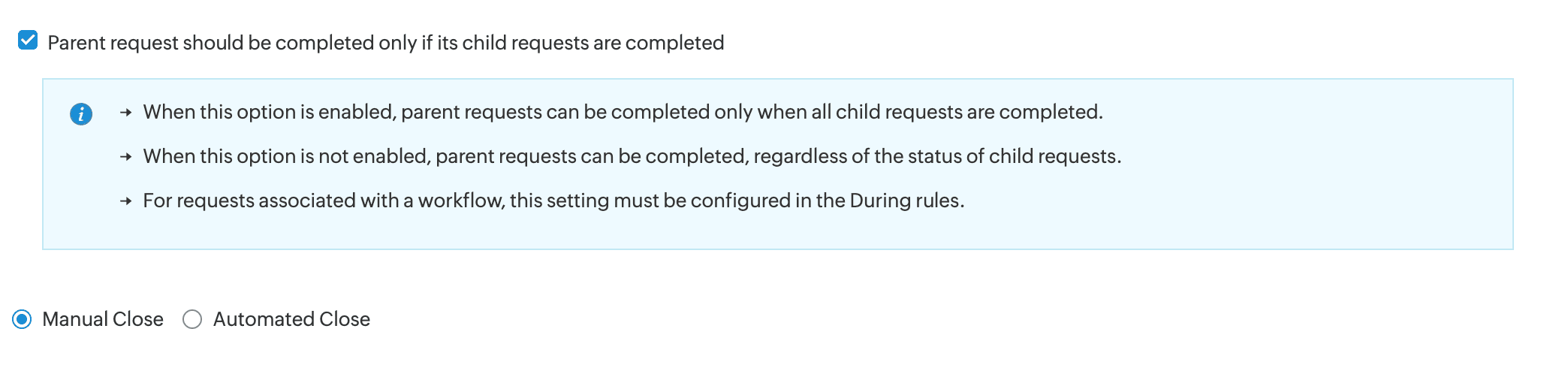
Under the Request Closing Process section, select Parent request should be completed only if its child requests are completed.