
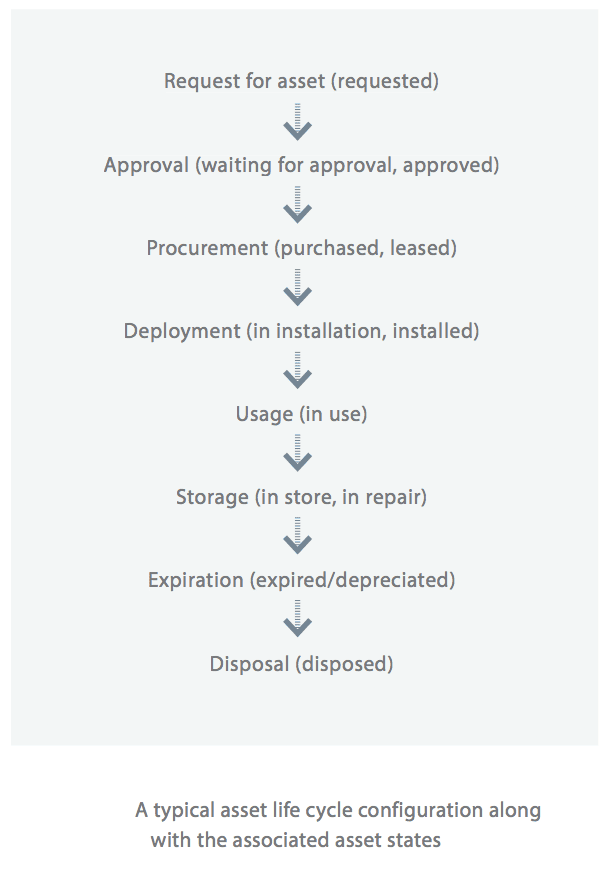
The asset management life cycle begins when a service request is raised by a user or a department.
- If the required asset is in stock and the asset request is approved, the asset is distributed.
- If the asset is not in stock, a purchase request is created and sent for approval.
- Once approved, the asset is purchased or leased, then installed in the IT environment.
- The asset is then assigned to a user and moved to the In Use state.
- If the asset becomes damaged or requires servicing, it is placed in storage.
- The life cycle concludes once the asset expires or depreciates. After that, it can either be disposed of or reused.
See also: Asset States